Homelab · 2026
Remote access / VPN
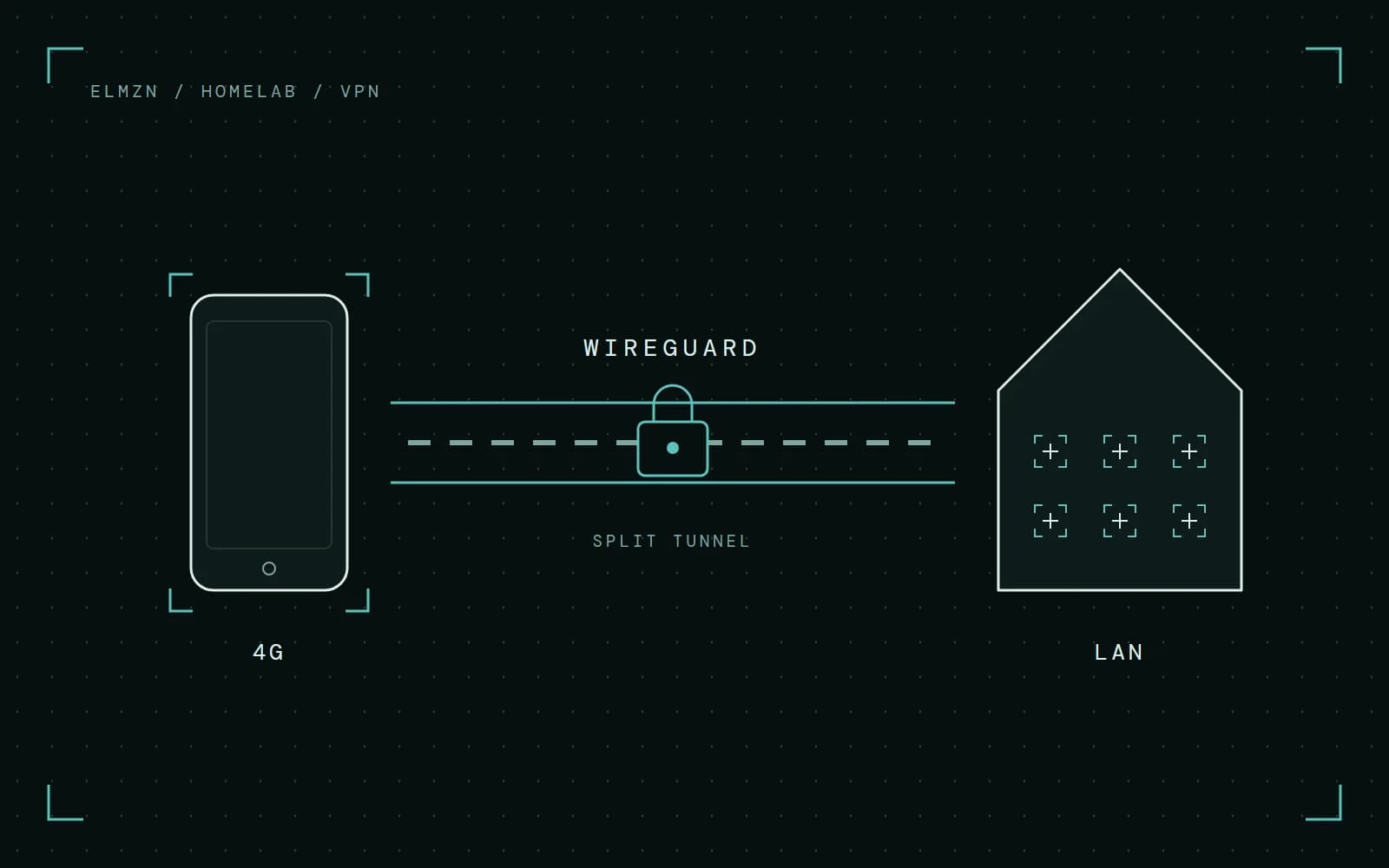
Reaching the whole homelab over 4G as if I were home, without exposing one more service: self-hosted WireGuard, as a subnet router.
Spec sheet
- Year
- 2026
- Role
- Setup and tutorial
- Stack
- WireGuard
- wg-easy
- Docker
- OVH DynHost
Context
The intranet's services — the photos, the files — are never exposed to the internet. Yet they have to be reachable away from home. The first attempt, OpenVPN, never went into service.
Choices
- WireGuard, self-hosted. Rather than a third-party service such as Tailscale or ZeroTier: no outside cloud in the loop, and a modern, fast, light protocol.
- A subnet router. One tunnel reaches the whole home network, without touching the other machines' configuration. Only the homelab's traffic goes through the VPN; the rest keeps its usual route.
- A dedicated, unprivileged container on the machine that is always on, with wg-easy: a new device joins with a QR code.
- A name that follows the address. The house's public address changes; a dynamic DNS record, at OVH, follows it.
What got stuck
- Checking first that the provider does not share its public address between customers (CGNAT): without a real public address, the VPN is impossible.
- Docker inside an unprivileged LXC container: the kernel module and the tunnel device to hand to it, IPv6 to take out.
- A configuration file pasted into the terminal that lost its indentation. Since then, files are downloaded, never pasted.
It is all written up as a step-by-step tutorial, run again end to end to check that it is enough.